Capcut APK
v20.0.0
ByteDance
CapCut is an easy-to-use video editing app for creating stunning visual stories.
- Version
- v20.0.0
- Size
- 331.0 MB
- Requires
- Android 5.0 and up
Screenshots
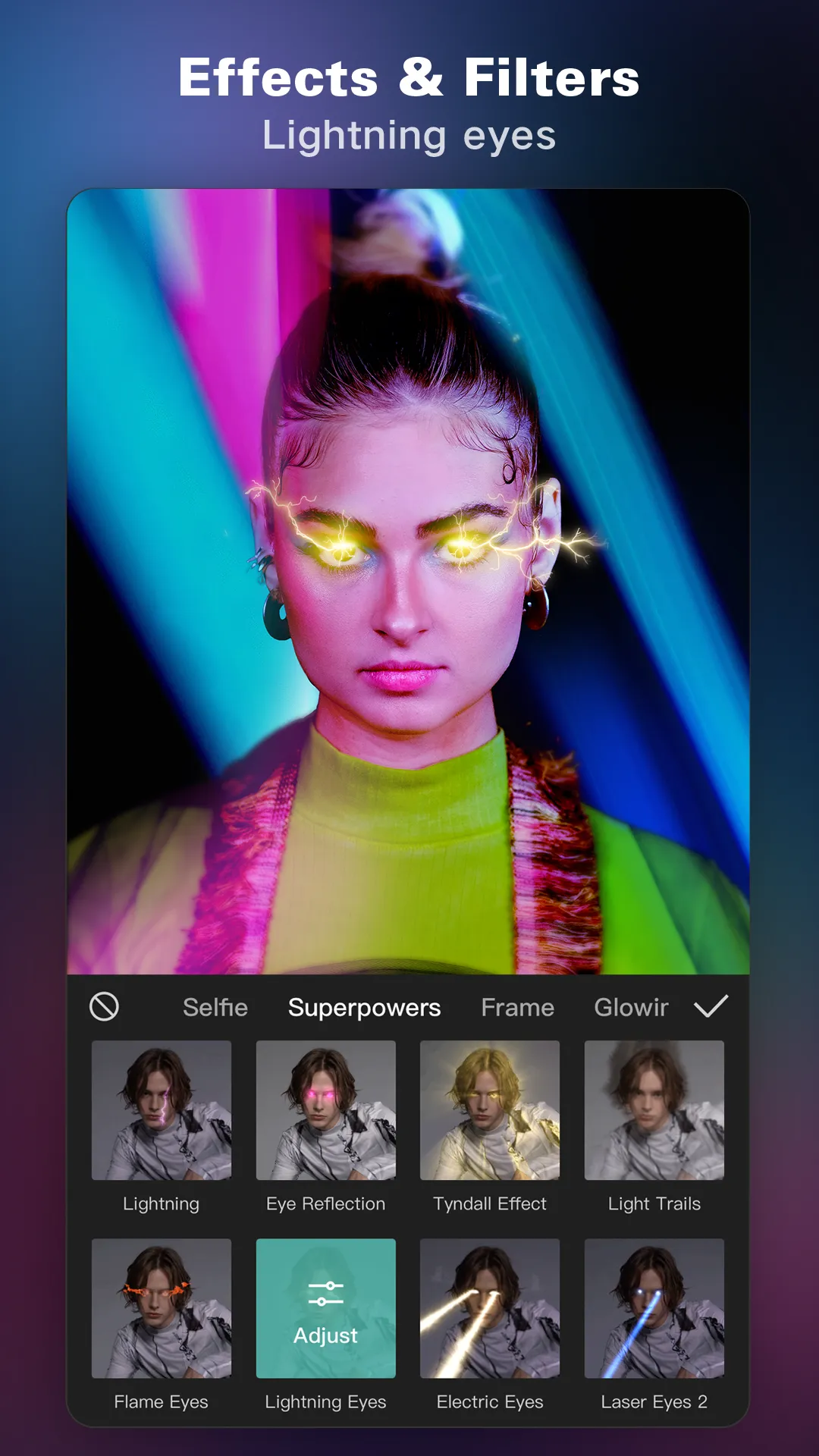
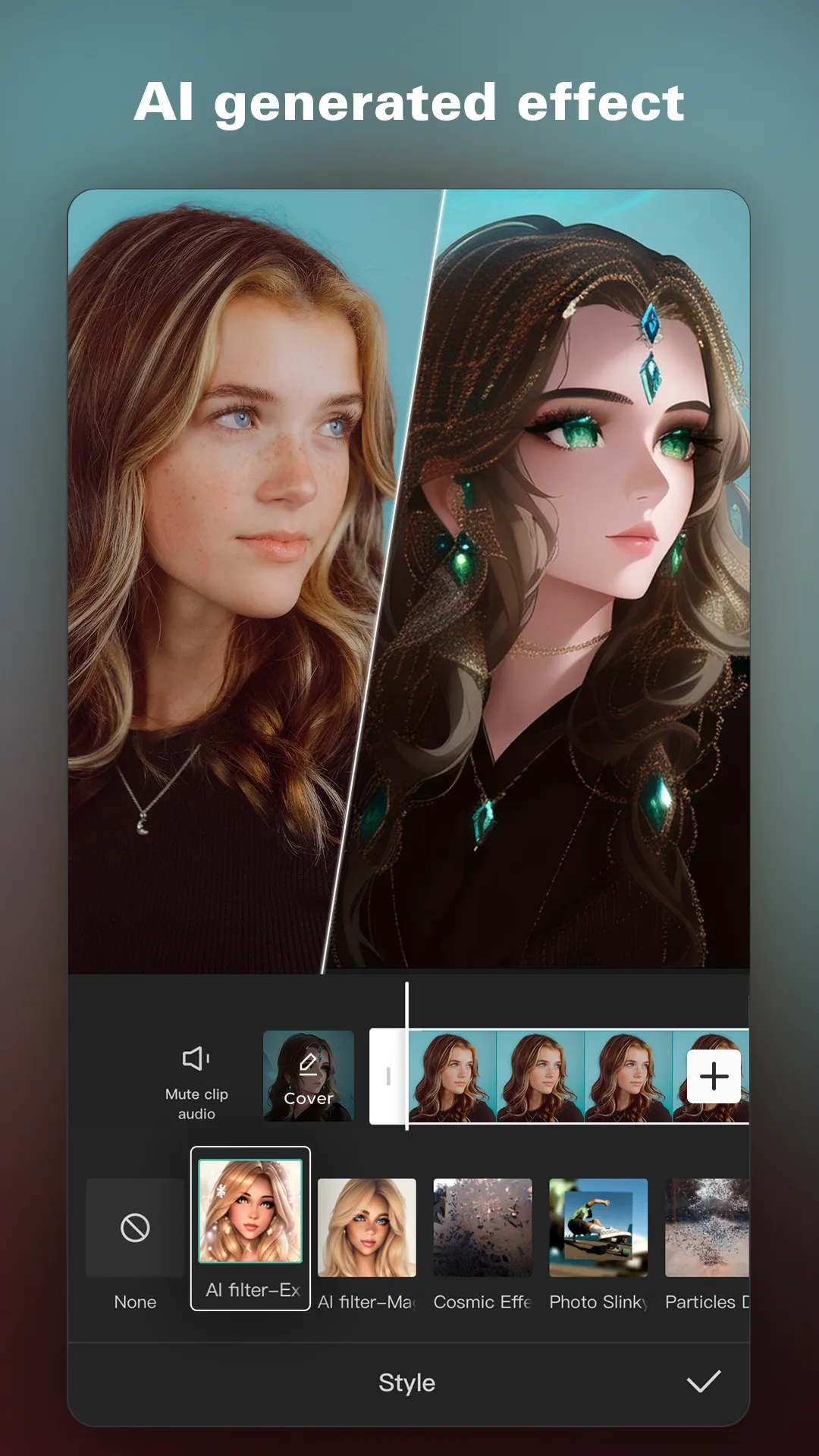
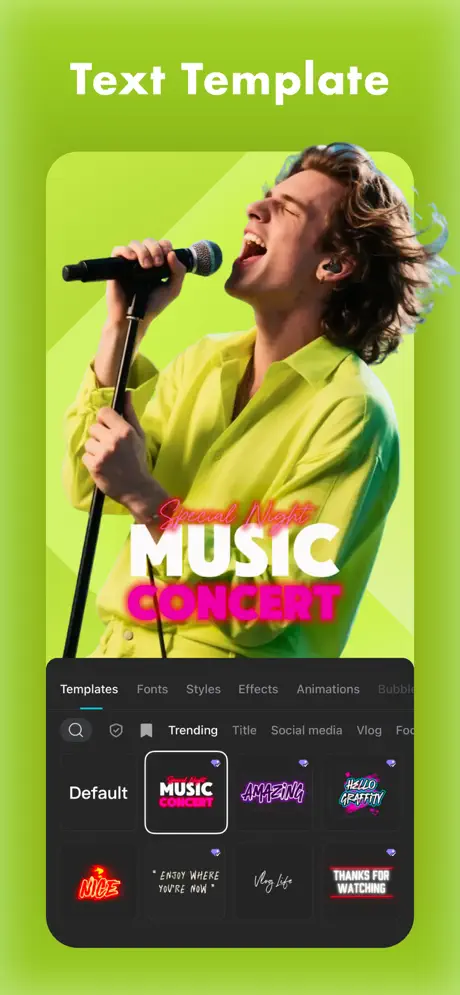
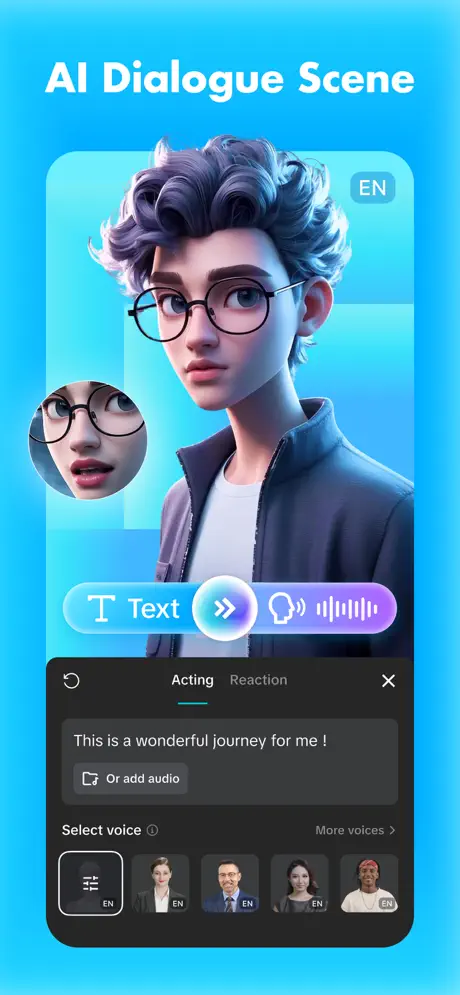
CapCut APK is a mobile video editor from ByteDance, the company behind TikTok. It packs tools that used to need desktop software into a phone app: multi-track timelines, keyframe animation, auto captions, background removal and more. The interface stays approachable enough for beginners to finish a clip in minutes.
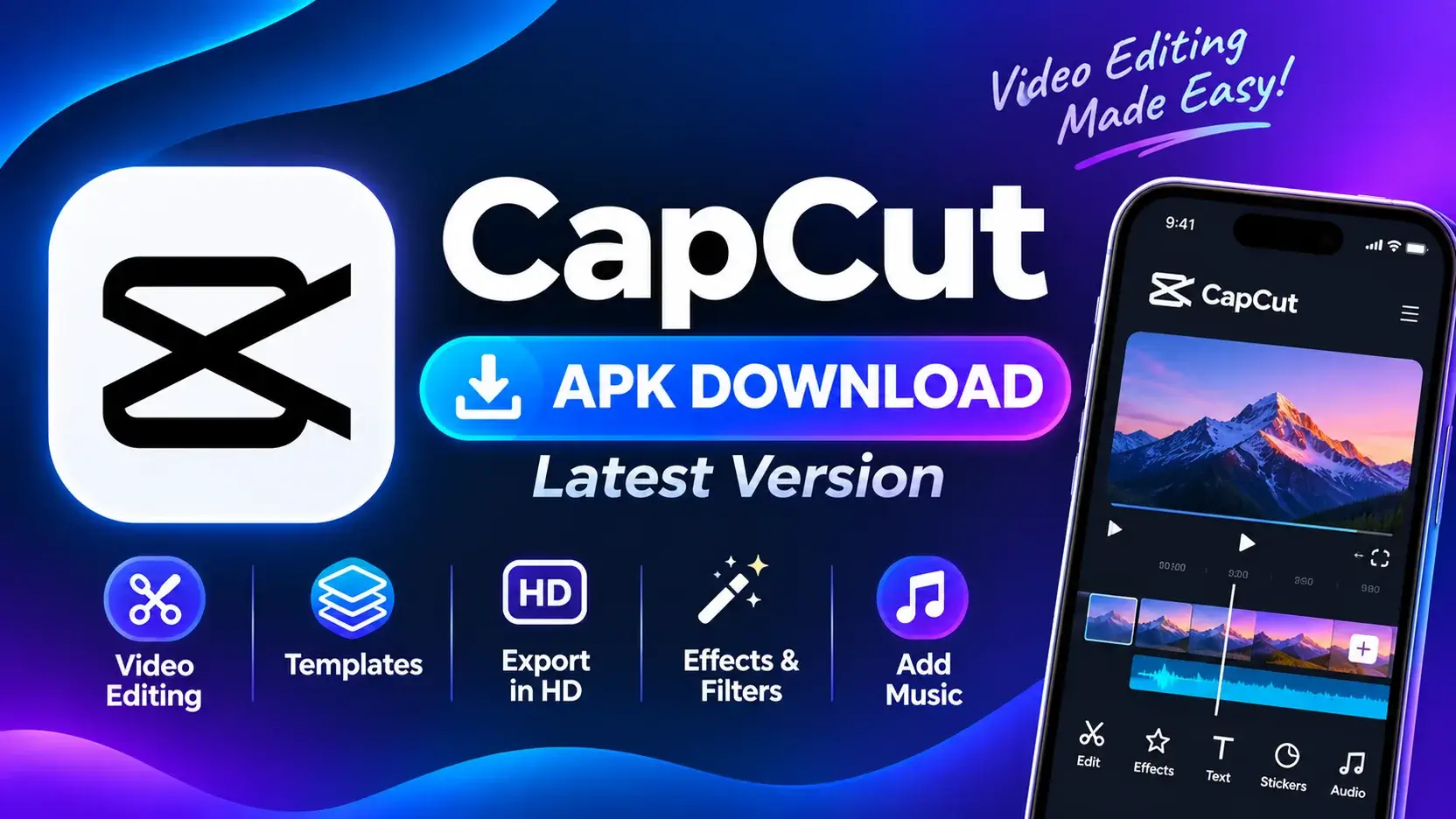
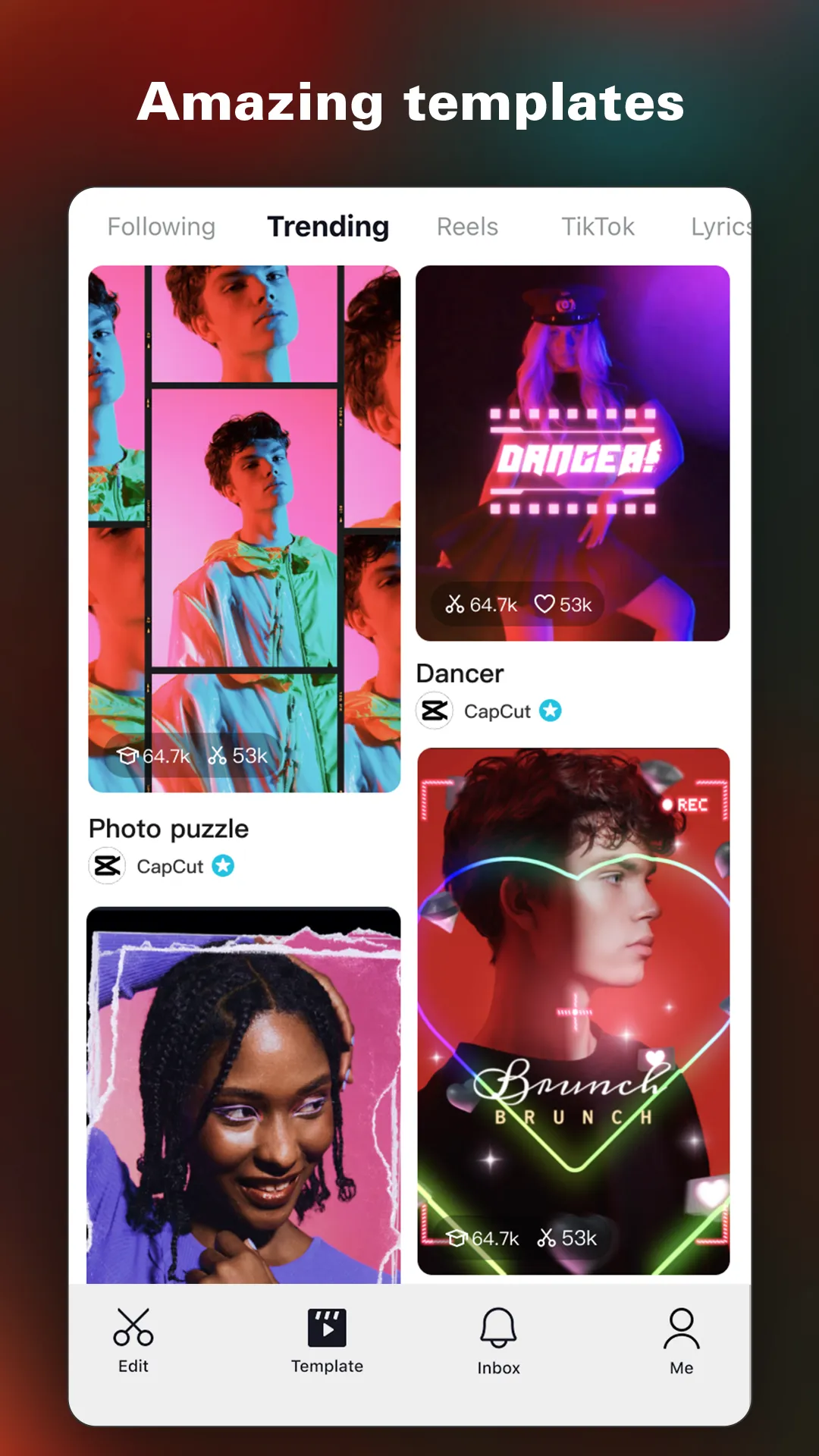
CapCut started as a quick way to edit TikToks, but today creators use it for Instagram Reels, YouTube Shorts, vlogs, ads, slideshows and full-length YouTube videos. Ready-made templates let you drop in your own clips and get a trending edit instantly. Manual controls are there when you want full creative control.
It’s free to download, and most of its editing tools cost nothing. An optional CapCut Pro subscription unlocks premium effects, extra cloud storage and some advanced AI features.
Features of CapCut for Android
- Multi-track timeline: You can layer video, overlays, text, stickers and audio on separate tracks, and trim, split, reorder or merge clips with simple drags.
- Templates: Thousands of trending templates turn your photos and clips into ready-to-post edits in a few taps.
Auto captions: Speech recognition writes subtitles from your audio, which you can then restyle and edit word by word. - Speed control and curves: You can create smooth slow motion, fast motion, or custom speed ramps for dramatic transitions.
- Keyframe animation: You can animate position, scale, rotation and opacity over time for zooms, pans and motion effects.
- Background removal and chroma key: You can cut out the subject automatically or swap a green screen for any background.
- Filters, effects and transitions: A large library covers cinematic color grades, glitch effects, light leaks and smooth scene transitions.
- Text and stickers: You can add animated text in dozens of fonts, plus stickers, emojis and text-to-speech voiceovers.
- Audio tools: You can add music and sound effects, record voiceovers, extract audio from videos, and apply noise reduction and voice effects.
- Flexible export: You can export at up to 4K and 60 fps, in 9:16, 16:9, 1:1 and other aspect ratios for every platform.
Why Use CapCut?
CapCut’s biggest strength is that it suits both beginners and experienced editors. If you’re new to editing, templates and one-tap tools like auto captions, auto beat-sync and AI enhance get you good results with no learning curve. If you want precision, keyframes, masks, speed curves, color adjustments and multi-layer editing give you serious control.
It’s also built for speed. You can shoot, edit, caption and export a reel in a few minutes without moving files between apps. Because projects can sync with CapCut on desktop and the web, you can start an edit on your phone and finish it on a bigger screen.
Finally, there’s the price. Most tools that rival paid editors are free, and the free version doesn’t stamp a watermark on standard exports.
How to Install CapCut APK
- Tap the Download button to save the APK.
- If Android asks, allow installs from unknown sources for your browser or file manager.
- Open the file and tap Install.
- Launch CapCut and start a new project.
Pros and Cons of CapCut
Pros
- Clean, beginner-friendly interface.
- Powerful pro-level tools (keyframes, masking, chroma key).
- Huge library of templates, effects, music and fonts.
- Accurate auto captions in many languages.
- Exports in up to 4K at 60 fps.
- Free, with no watermark on regular exports.
Cons
- The app is large (300+ MB) and can feel heavy on low-end phones.
- Some effects, templates and AI tools need a Pro subscription.
- Long or complex projects can lag on budget devices.
- Cloud storage on the free plan is limited.
FAQs About CapCut for Android
Q: Is CapCut free? A: Yes. CapCut is free to download and use. Pro is optional and adds premium assets and features.
Q: Does CapCut add a watermark?
A: Standard exports don’t have one. Some templates add a short CapCut ending clip, which you can delete from the timeline before exporting.
Q: Can CapCut export in 4K?
A: Yes. You can choose resolution up to 4K and frame rates up to 60 fps in the export settings.
Q: Can I make slow-motion videos?
A: Yes. Use the Speed tool’s Normal mode for steady slow motion, or Curve mode for speed ramps.
Q: Do I need an account?
A: You can edit without one. Logging in unlocks cloud backup, syncing across devices, and some templates.
Conclusion
CapCut is one of the most complete video editors on Android. It combines easy templates for quick posts with pro-level tools for detailed edits, and most of it is free. Whether you’re making reels, Shorts, vlogs or ads, it’s an editor worth keeping on your phone.